In a world of overflowing inboxes, simply sending an email isn't enough. With the average office worker receiving over 120 emails daily, the battle for attention is fierce. The difference between a newsletter that gets instantly deleted and one that gets read, shared, and drives action lies in your strategy. Many newsletters fail because they lack a clear purpose, fail to resonate with their audience, or ignore the fundamental principles of engagement. They become inbox noise rather than a welcome arrival.
This guide moves beyond generic advice to provide a step-by-step roadmap to success. We'll explore 10 critical best practices for email newsletters that modern marketers use to build loyal audiences and achieve tangible results. You'll get actionable insights, real-world examples, and step-by-step instructions you can implement immediately to create newsletters that truly connect and convert.
1. Personalization and Segmentation
Moving beyond the generic "Dear Subscriber" is one of the most impactful best practices for email newsletters. Personalization involves using subscriber data—like names, locations, or purchase history—to tailor your message. Segmentation is the practice of grouping subscribers based on this data. This transforms mass communication into a series of one-to-one conversations, drastically increasing engagement.
Real-World Example: Think of Spotify’s "Discover Weekly" emails. They aren't random; they are powered by your listening data to create a playlist that feels uniquely curated for you. This level of relevance builds trust and loyalty.
How to Implement Personalization and Segmentation: A Step-by-Step Guide
- Step 1: Start with Simple Segments. Don't overcomplicate it. Begin by creating groups for new subscribers, loyal customers, and inactive users. You can also segment by location to send geographically relevant offers.
- Step 2: Use Dynamic Content. Most modern email platforms (like Mailchimp or ConvertKit) allow you to use dynamic content blocks. This means you can design one email template where specific sections change based on the recipient's segment. For example, an e-commerce store can show men's clothing to one segment and women's clothing to another within the same campaign.
- Step 3: Leverage Behavioral Data. As you advance, track how users interact with your website and past emails. Create segments for users who viewed a specific product category or abandoned a shopping cart. This allows for highly targeted follow-up campaigns.
Actionable Takeaway: For your next campaign, create a simple segment of subscribers who joined in the last 30 days and send them a special welcome offer. For a deeper dive, explore more on personalization in email marketing on emailgum.com.
2. Mobile-First Design and Responsive Templates
With over half of all emails opened on mobile devices, designing for the small screen first is essential. A mobile-first approach means creating your newsletter for a smartphone display and then adapting it for larger screens. This ensures your message is perfectly readable and functional, no matter how your audience views it. A poor mobile experience is a top reason for unsubscribes.
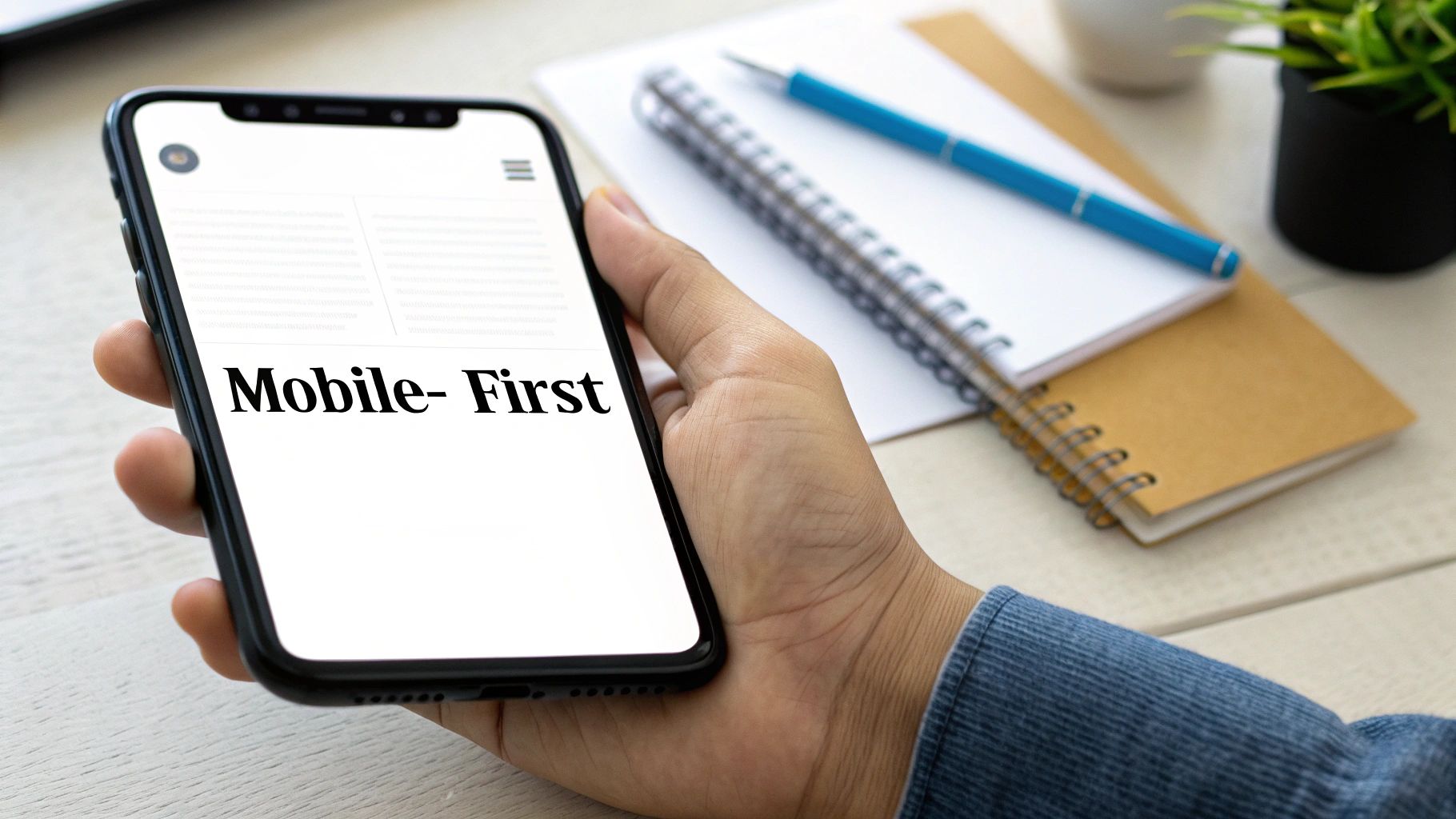
Real-World Example: Notice how emails from brands like Target or Airbnb are simple and scrollable on your phone, with large, tappable buttons. On your desktop, the same email might expand to a two-column layout. This seamless transition is the result of a deliberate mobile-first design.
How to Implement a Mobile-First Design: A Step-by-Step Guide
- Step 1: Use a Single-Column Layout. Start your design with one column. This is the natural format for mobile screens and provides a solid, adaptable foundation.
- Step 2: Make Buttons Touch-Friendly. Ensure all calls-to-action (CTAs) and links are easy to tap. A common guideline is to make buttons at least 44x44 pixels to avoid frustrating "fat-finger" errors.
- Step 3: Optimize Images and Fonts. Keep images under 600px wide for fast loading. Use web-safe fonts with a minimum size of 16px for body text to guarantee readability without pinching and zooming.
- Step 4: Always Test Before Sending. Use a tool like Litmus to preview your email on various mobile clients (e.g., iPhone, Android, Gmail app). This step catches rendering issues that could derail your campaign.
Actionable Takeaway: Before sending your next newsletter, use your email platform's preview tool to check how it looks on a mobile device. Ensure the main button is easy to tap and the text is readable.
3. Clear Call-to-Action (CTA) Optimization
Your newsletter's goal is to inspire action, and the call-to-action (CTA) is the engine that drives it. Optimizing your CTAs means creating clear, compelling, and prominent buttons that guide subscribers toward a specific next step. This practice directly connects your content to your business objectives.
Real-World Example: Think of Dropbox’s simple and powerful "Get Started" CTA in their onboarding emails or an e-commerce brand's urgent "Claim Your 50% Discount" button. These CTAs work because they are visually distinct, use action-oriented language, and clearly communicate the benefit of clicking.
How to Optimize Your CTAs: A Step-by-Step Guide
- Step 1: Use a Contrasting Button Color. Your main CTA should be impossible to miss. Use a button with a color that stands out from the email’s background. Surround it with ample white space to draw the eye.
- Step 2: Write Action-Oriented Copy. Replace generic phrases like "Click Here" with descriptive, benefit-driven text. Use strong verbs. For example, use "Download Your Free Guide" instead of "Submit" or "Shop the New Collection" instead of "Learn More."
- Step 3: Stick to One Primary CTA. An email with too many competing CTAs can lead to decision paralysis. Focus on one main goal. If secondary actions are necessary, make them less prominent, such as using a plain text link instead of a button.
Actionable Takeaway: In your next email, change your primary CTA button's text from something passive like "Read More" to something active and specific like "Read the Full Story" or "Get the Checklist Now." For deeper insights, review expert guidance on conversion rate optimization from Unbounce.
4. Compelling Subject Lines and Preview Text
Your subject line is the single most important element determining whether a subscriber opens your email. Paired with the preview text (the snippet of text shown after the subject line), this combination is your one chance to make an impression in a crowded inbox.
Real-World Example: The Hustle, a popular business newsletter, uses subject lines like "The economics of a hit song" to create curiosity. Grammarly uses benefit-focused lines like "Your weekly writing stats are here" to convey clear value.
How to Write Effective Subject Lines: A Step-by-Step Guide
- Step 1: Keep It Short and Clear. Aim for 30-50 characters to avoid getting cut off on mobile devices. Get straight to the point and communicate the primary benefit.
- Step 2: Create Curiosity or Urgency. Ask a question or make a bold statement that encourages a click. Use strategic urgency with phrases like "Last chance" or "24 hours left," but use them sparingly.
- Step 3: Optimize Your Preview Text. Don't let your preview text default to "View this email in your browser." Use this valuable 40-50 character space to complement your subject line.
- Step 4: A/B Test Your Subject Lines. Testing is non-negotiable. Test different approaches—questions vs. statements, including emojis, or adding personalization—on a small segment of your list before sending to everyone. This is the only way to know what truly works for your audience.
Actionable Takeaway: For your next email, write two different subject lines and use your email provider's A/B test feature to send them to 20% of your list. The winner gets sent to the remaining 80%. For more ideas, see these 10 Newsletter Headline Examples That Boost Open Rates (2025) or review these email subject line examples on emailgum.com.
5. Consistent Send Schedule and Frequency
Establishing a predictable sending schedule transforms your emails from unexpected intrusions into anticipated updates. Consistency builds a powerful habit among your subscribers. When they know when to expect your email, they are more likely to look for it, open it, and engage.
Real-World Example: Morning Brew arrives like clockwork every morning with business news. Their subscribers don't just receive these emails; they expect them. This predictability is a key driver of their high open rates.
How to Set a Consistent Schedule: A Step-by-Step Guide
- Step 1: Choose a Realistic Cadence. Start with a schedule you can maintain, such as once a week or bi-weekly. It's better to send one high-quality email consistently than three sporadic, rushed ones.
- Step 2: Identify Your Best Send Time. Use your email platform’s analytics to see which day and time have the highest open rates. If you're new, a good starting point is mid-week (Tuesday-Thursday) around 10 AM in your audience's primary time zone.
- Step 3: Monitor Engagement and Adjust. Pay close attention to your open rates and unsubscribes. If you notice a drop after increasing frequency, it might be a sign of email fatigue. Let the data guide your decisions.
- Step 4: Offer Frequency Preferences. Empower your audience by adding an option in your email preference center for them to select daily, weekly, or monthly updates. This reduces unsubscribes.
Actionable Takeaway: Look at your analytics from the last 3 months. Identify the day of the week with the highest average open rate and commit to sending on that day for the next month.
6. Authentic and Brand-Aligned Content
Constantly pushing sales pitches is the fastest way to the unsubscribe button. A core best practice is creating authentic content that provides genuine value. Focus on building a relationship by educating, entertaining, or inspiring subscribers, rather than just selling.
Real-World Example: Patagonia's emails often focus on environmental activism and storytelling rather than just jackets. This reinforces their brand values and builds a strong community around a shared purpose, making their audience more receptive when they do promote products.
How to Create Authentic Content: A Step-by-Step Guide
- Step 1: Define Your Brand Voice. Is your brand witty, professional, compassionate, or edgy? Document these traits and ensure every email consistently reflects this tone.
- Step 2: Follow the 80/20 Rule. A great rule of thumb is to dedicate 80% of your content to providing value (education, tips, stories) and only 20% to direct promotion. This keeps your audience engaged. Explore these 10 Proven Newsletter Content Ideas for inspiration.
- Step 3: Be Transparent. Share behind-the-scenes content, introduce your team, or discuss challenges. This level of honesty builds a powerful human connection with your audience.
Actionable Takeaway: In your next newsletter, include one piece of content that is purely helpful or entertaining with no sales pitch, such as a quick tip, a link to a useful article from another source, or a behind-the-scenes photo.
7. List Growth and Subscriber Quality Management
Growing your email list is crucial, but quality beats quantity every time. This means attracting the right audience while actively maintaining a clean, engaged list. A high-quality list ensures better deliverability, higher open rates, and a greater return on your efforts.
Real-World Example: HubSpot offers valuable gated content, like ebooks and webinars. This ensures new signups are genuinely interested in their expertise, attracting motivated leads rather than passive bystanders.
How to Manage List Growth and Quality: A Step-by-Step Guide
- Step 1: Implement Double Opt-In. Use a two-step confirmation process where subscribers must verify their email address. This prevents typos and spambots and confirms genuine interest.
- Step 2: Create a Compelling Lead Magnet. Offer a valuable, relevant resource like a checklist, template, or exclusive guide in exchange for an email address. This attracts your ideal audience.
- Step 3: Practice Regular List Hygiene. Once every 3-6 months, run a re-engagement campaign for subscribers who haven't opened your emails in a while. If they don't re-engage, remove them. This improves your sender reputation and ensures your messages reach your most active fans.
Actionable Takeaway: Create a simple segment of subscribers who haven't opened your last 10 emails. Send them one last email with a catchy subject line like "Is this goodbye?" asking if they want to stay subscribed. Remove those who don't respond. For more growth ideas, explore these list building strategies on convertkit.com.
8. Data-Driven Testing and Analytics
Relying on guesswork is a recipe for stagnant results. Adopt a data-driven approach by using testing and analytics to make evidence-based decisions. This means using real data to understand what truly drives engagement and conversions.
Real-World Example: Tech giants like Netflix don't just send emails they think will work; they rigorously test different subject lines, send times, and promotional offers to see what generates the best response. This continuous optimization loop ensures their campaigns are always improving.
How to Use Data and Testing: A Step-by-Step Guide
- Step 1: Test One Variable at a Time. To get clear results, isolate a single element for each test. For example, test two different subject lines while keeping the email content identical. Other good variables to test include CTA button color, sender name, and email layout.
- Step 2: Focus on High-Impact Metrics. Go beyond open rates. Monitor click-through rates (CTR), conversion rates, and unsubscribe rates to get a full picture of performance.
- Step 3: Ensure Statistical Significance. Don’t declare a winner based on a small sample size. Most email platforms have built-in A/B testing tools that tell you when a result is reliable. A good rule of thumb is to send a test to at least 10-20% of your audience.
Actionable Takeaway: On your next promotional email, A/B test the color of your main CTA button. Send Version A (e.g., blue button) to 15% of your list and Version B (e.g., green button) to another 15%. The version with more clicks gets sent to the remaining 70%.
9. Compliance and Respect for Subscriber Preferences
Adhering to legal standards like CAN-SPAM and GDPR isn't just a box to check; it's fundamental to building trust. This means providing clear, easy-to-use unsubscribe options and preference centers, which empowers your audience and reinforces that you value their consent.
Real-World Example: Any reputable brand, from The New York Times to your local e-commerce shop, includes a clear "Unsubscribe" link in their email footer. Good brands also include a "Manage Preferences" link, allowing users to choose the types of emails they receive instead of unsubscribing completely.
How to Ensure Compliance and Respect: A Step-by-Step Guide
- Step 1: Make Unsubscribing Effortless. Every email must include a clearly visible and functional unsubscribe link in the footer. Hiding this link leads to spam complaints, which will destroy your sender reputation.
- Step 2: Offer a Preference Center. Go beyond a simple unsubscribe button. A preference center allows subscribers to manage their experience by choosing content types (e.g., promotions, blog updates) or adjusting email frequency.
- Step 3: Include Your Physical Address. Regulations like CAN-SPAM require you to include your valid physical postal address in every marketing email. This is a simple but crucial step.
Actionable Takeaway: Check the footer of your email template right now. Is the unsubscribe link easy to find? Does it work with one click? If not, fix it immediately. For a deeper look at this topic, explore email deliverability best practices on emailgum.com.
10. Visual Hierarchy and Scannable Design
Subscribers rarely read emails word-for-word; they scan them. A strong visual hierarchy guides the reader's eye to the most important information first. By using headings, white space, and concise paragraphs, you ensure your key points are understood in seconds.
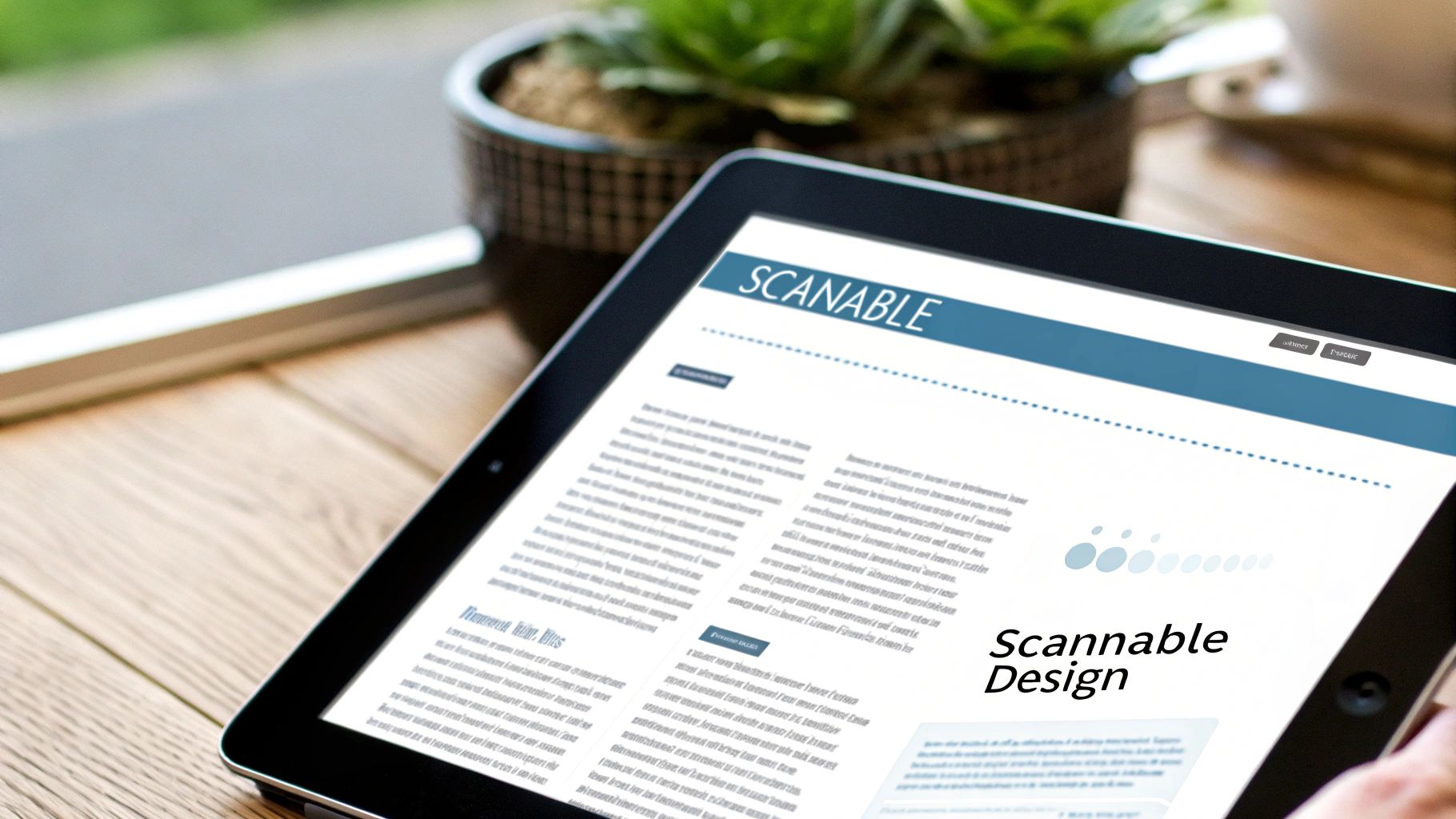
Real-World Example: Think of Medium’s weekly digest. It doesn't present a wall of text. Instead, it uses clean layouts, clear headings, and ample spacing to make the content inviting and easy to digest.
How to Create a Scannable Design: A Step-by-Step Guide
- Step 1: Use Clear Headings and Subheadings. Use a distinct main heading (H1) and subheadings (H2, H3) for different sections. This immediately signals the structure of your content.
- Step 2: Keep Paragraphs Short. Limit paragraphs to a maximum of 2-3 sentences. This breaks up dense text, making it easier to read on mobile devices.
- Step 3: Use Lists and Bold Text. Employ bullet points or numbered lists for related items. Use bold text sparingly to highlight key phrases or calls-to-action.
- Step 4: Embrace White Space. Don't crowd your content. Generous spacing around text blocks, images, and buttons reduces cognitive load and helps distinguish different sections.
Actionable Takeaway: Open your last sent newsletter. Can you understand the main point in 5 seconds just by scanning the headings and bold text? If not, add more subheadings and break up long paragraphs for your next send.
Summary and Your Next Step
Mastering email newsletters is an ongoing commitment to connecting with your audience. We've covered the 10 foundational best practices for email newsletters, from strategic personalization and mobile-first design to data-driven A/B testing and scannable layouts. Each practice works together to build a direct line of communication with your audience based on trust and value, turning your email list from a simple asset into a thriving community.
Don't try to overhaul everything at once. Choose one area and make a small, focused improvement.
Recommended Next Step: For your very next campaign, commit to implementing a single change. If your open rates are low, A/B test two different subject lines. If your click-through rate is low, redesign your primary CTA with a higher-contrast color and more action-oriented copy. Small, consistent steps create powerful momentum.
Ready to put these best practices into action with a platform built for growth? EmailGum provides the intuitive tools you need for advanced segmentation, beautiful responsive design, and powerful automation, all in one place. Start building better newsletters and connecting with your audience more effectively by exploring EmailGum today.