
If you spend hours every day in your inbox, you know how easily email can take over your workflow. What if you could turn your email into a powerful productivity hub instead of a time drain? That’s exactly what Mailbutler promises. In this in-depth Mailbutler review, we’ll explore what Mailbutler is, how it works, its key features, pricing plans, pros and cons, and how you can save with an exclusive 15% Mailbutler discount using the coupon code mailbutler15.
👉 Get the 15% Mailbutler discount here:
What Is Mailbutler?
Mailbutler is an advanced email extension that enhances your email client with productivity tools designed to help you work smarter, not harder. Instead of switching to a separate app, Mailbutler integrates directly into Gmail, Apple Mail, and Microsoft Outlook, adding powerful features straight into the inbox you already use.
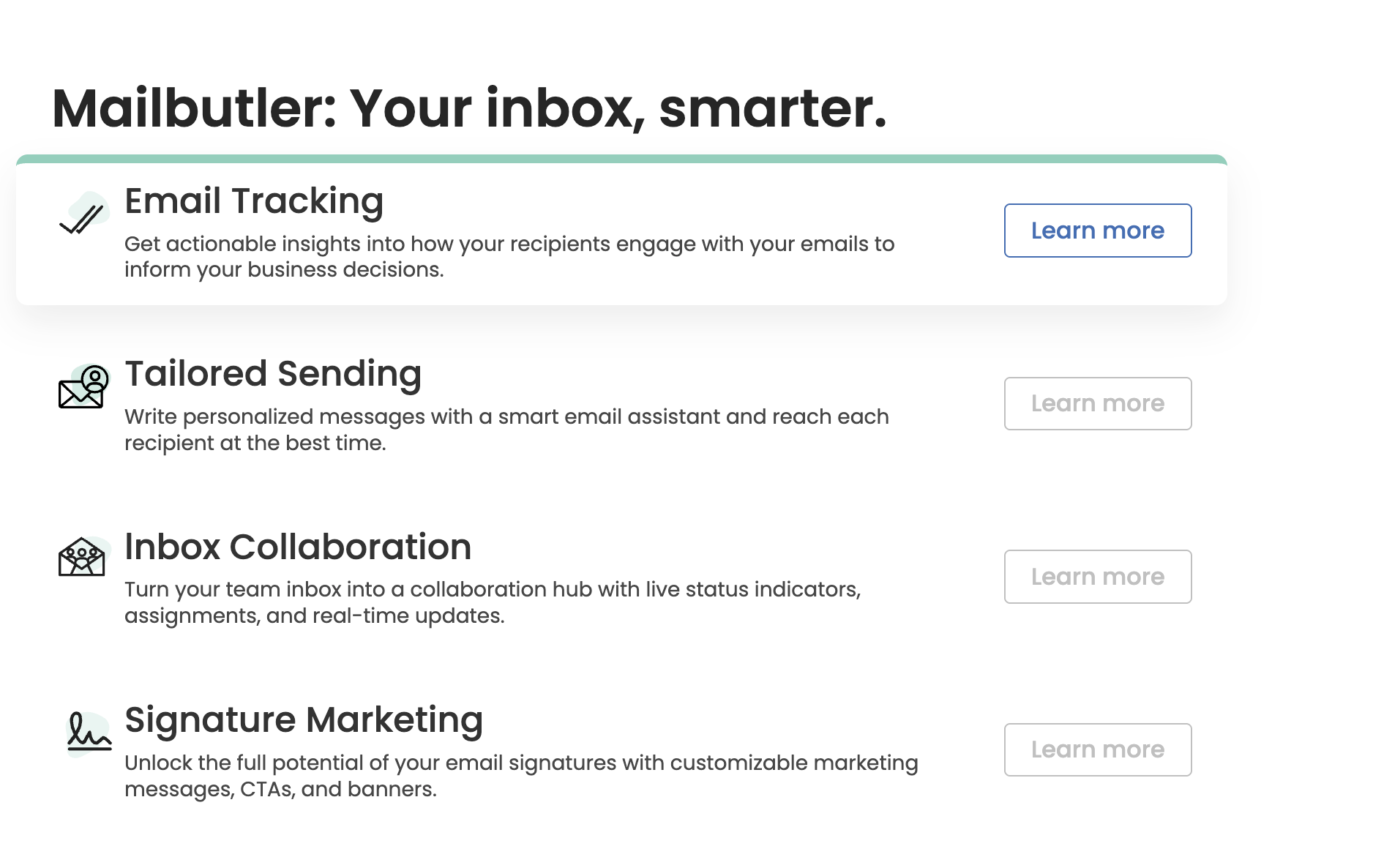
Basically, it transforms your email into a productivity engine with AI assistance, email tracking, scheduling, tasks, templates, signatures, and more — all built into your daily communication workflow.
Use the code mailbutler15 and the short URL https://www.mailbutler.io/?fpr=mailbutler15 to get 15% off your Mailbutler plan.
Key Functions & Features
Here’s what makes Mailbutler one of the most talked-about email productivity tools in 2025:
1. AI Smart Assistant (Powered by OpenAi)
Mailbutler’s AI assistant can write, rewrite, and summarise emails, extract tasks from messages, and help you respond faster. It lives inside your compose window so you don’t have to leave your inbox.
This means fewer hours drafting emails and less stress keeping up with conversations. It’s like having a writing assistant that understands your tone and intent.
2. Advanced Email Tracking
With Mailbutler, you can see when and where your emails and links are opened, giving you real-time insights on engagement. This is far more powerful than basic read receipts and helps you follow up with confidence.
3. Smart Send Later & Scheduling
Whether you want to schedule emails for optimal open times or automate follow-ups, Mailbutler’s Send Later feature ensures your messages hit inboxes at the right moment.
4. Tasks, Notes & Follow-Ups
Turn important emails into actionable items with reminders and tasks without leaving your inbox. Notes can be attached to conversations to keep context at your fingertips.
5. Email Templates
Create professional templates for repeated messages. Add dynamic placeholders, reuse them instantly, and save hours on routine outreach.
6. Professional Signatures & Contact Data
Customize email signatures with branding elements and marketing links to make every email look polished and consistent.
7. Shared Team Tools (Business Plan)
For teams, Mailbutler offers shared templates, delegated follow-ups, and collaborative inbox tools that help everyone stay aligned.
Pricing & Mailbutler Discount
Mailbutler lets you start with a free 14-day trial that unlocks all features so you can test everything before committing.
Here’s a quick breakdown of typical pricing tiers (2025):
|
Plan |
Monthly Price (Approx) |
Best For |
|---|---|---|
|
Tracking |
~$3.95 |
Basic email tracking |
|
Professional |
~$7.95 |
Daily productivity boost |
|
Smart |
~$12.95 |
Advanced features including AI |
|
Business |
~$29.95 |
Teams and collaboration |
💡 Mailbutler Discount: Use mailbutler15 to get 15% off any paid plan:
Why this matters: The coupon code not only softens the price but gives you a better chance to adopt premium features like AI email writing and team collaboration without paying full rate.
Real User Feedback
Positive reviews highlight:
• Powerful email tracking that’s reliable and actionable.
• AI writing and summarisation that saves real time.
• Templates and scheduling boosting workflow efficiency.
• Seamless integration with Gmail, Apple Mail, and Outlook.
Users on review platforms often praise how Mailbutler feels like a natural extension of their inbox rather than a separate tool, making it easy to adopt with minimal learning curve.
Critiques mention:
• Some advanced features require paid plans.
• Pricing can add up for individuals who only need basic tools.
• A small number of users report occasional compatibility issues after major OS updates.
Who Should Use Mailbutler?
Mailbutler works for a wide range of users, including:
• Sales professionals who rely on follow-ups.
• Entrepreneurs and freelancers who manage client communication.
• Teams that need shared templates and collaborative email workflow.
• Busy professionals who want to automate routine email tasks.
If your work depends on consistent, productive email communication, Mailbutler can dramatically reduce the overload that comes with managing messages.
Final Verdict: Is Mailbutler Worth It?
In this Mailbutler review, the takeaway is clear: Mailbutler is one of the best tools for transforming your inbox into a productivity machine. From AI-assisted writing to advanced email tracking and scheduling, it adds powerful capabilities without forcing you into a new platform.
With the 15% Mailbutler discount using coupon code mailbutler15, now is a great time to test it out and see if it fits your workflow:
If you are tired of repetitive email tasks and want smarter communication tools built right into your inbox, Mailbutler deserves serious consideration.